Mutoscope

Every layer loops on its own length.

Draw frame by frame on reels that cycle against each other, then export GIF or MP4 with no watermark.

Get it on Google Play
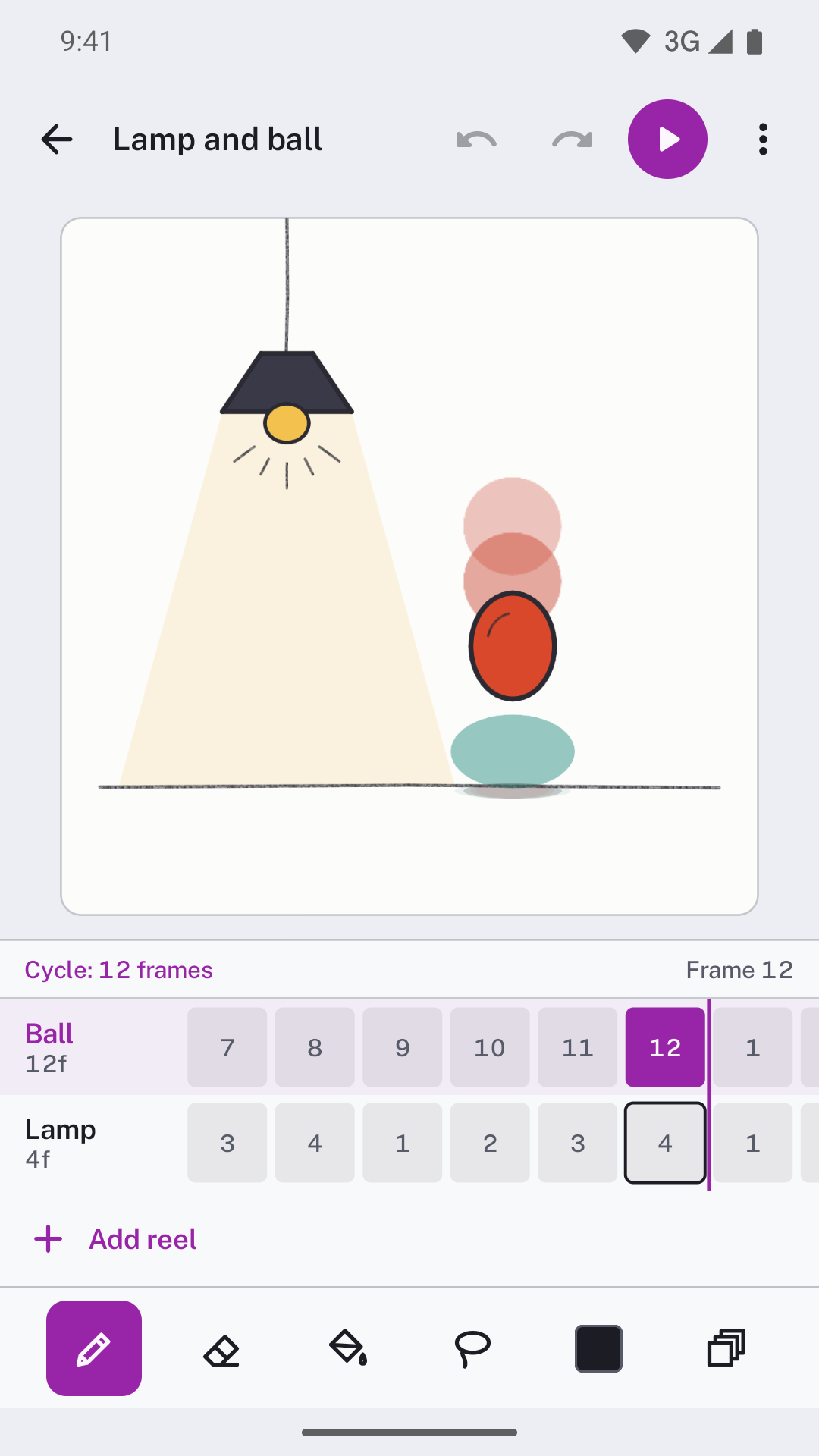
The Mutoscope editor: a hanging lamp and a bouncing ball, a 12-frame Ball reel over a 4-frame Lamp reel, and the orchid cycle marker after frame 12

A reel's length is its loop

Each layer is a reel with its own frame count, hold and offset. Put a 4-frame flicker over a 12-frame bounce and they realign every 12 frames. The orchid rule marks where, and a GIF of one cycle loops with no jump.
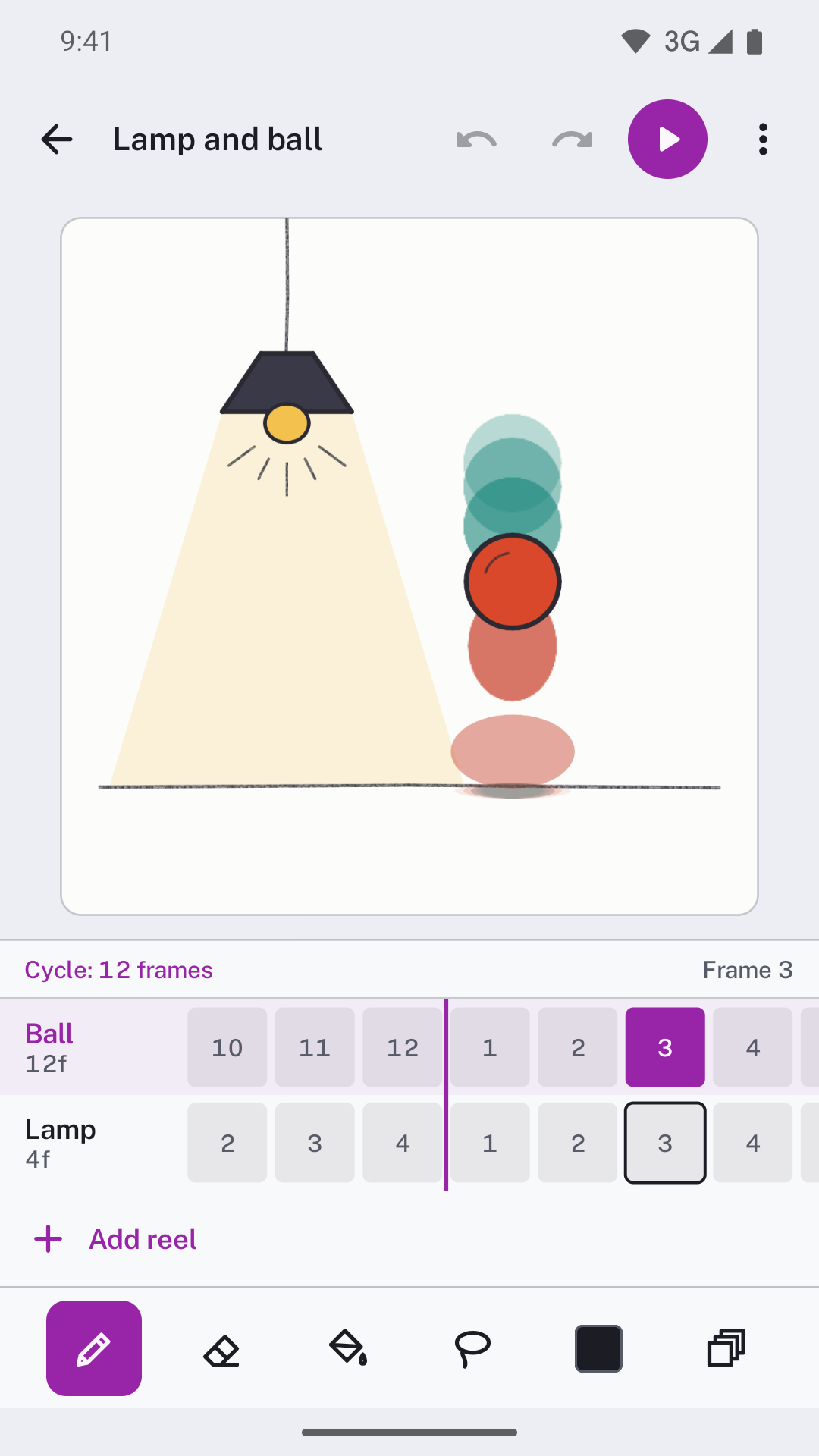
Onion skin on the bouncing ball: the frames behind in red below it and the frames ahead in teal above it
Onion skin shows up to five frames each side, red behind and teal ahead.
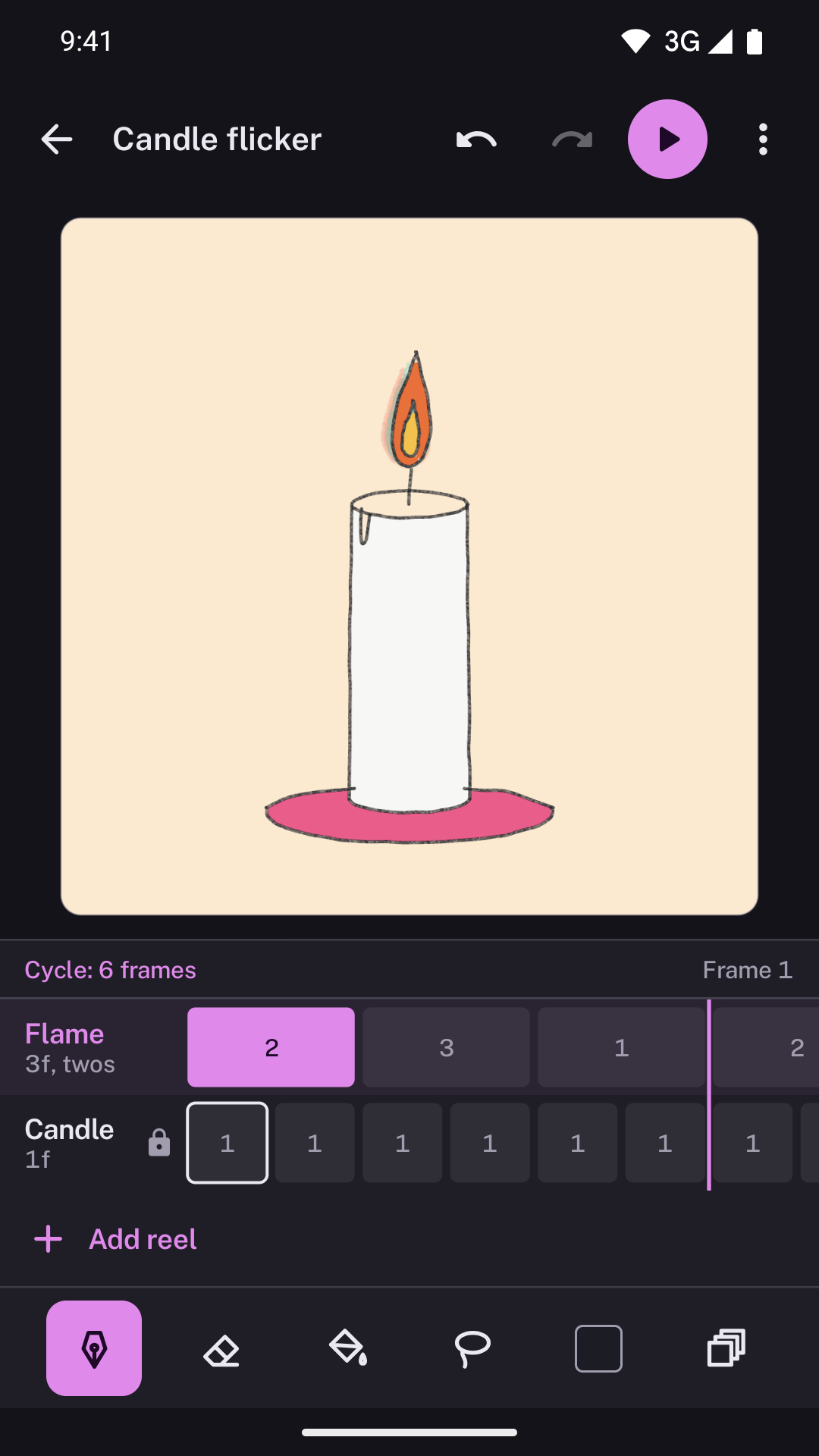
A candle drawn on manila paper in dark mode, with a 3-frame Flame reel held on twos and starting on frame 2 over a locked Candle reel
Hold a reel on twos, threes or fours, or shift where it starts. The cycle updates as you change it.
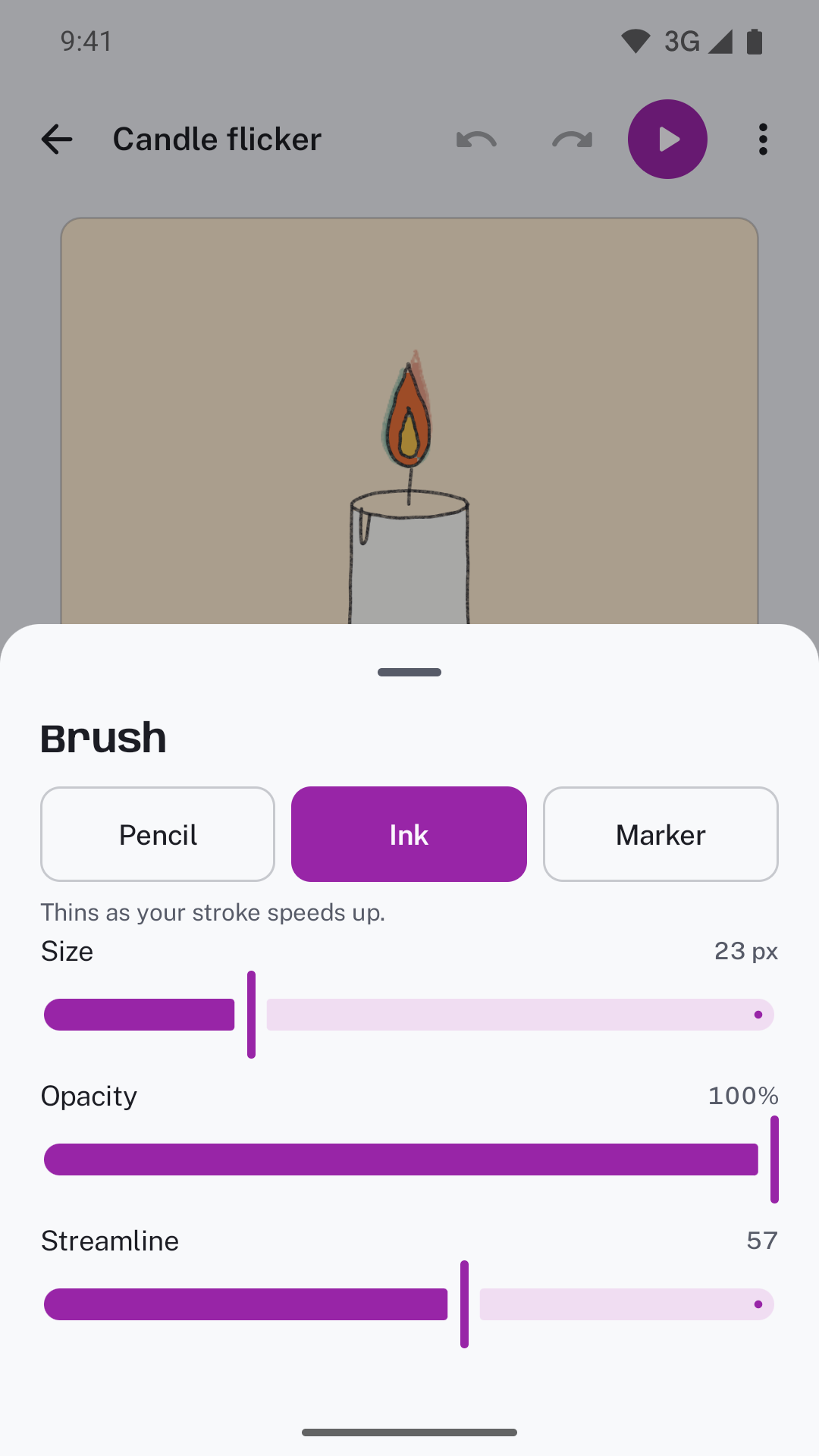
The brush sheet over the candle drawing, with Ink selected at 23 px and streamline at 57

Tools that stay out of the way

Drawing

  • Pencil, ink, marker and eraser
  • Fill that closes small gaps
  • Lasso to move or delete
  • 100 steps of undo
  • A locked reference photo to trace

Timing

  • Unlimited reels, up to 240 frames each
  • Hold on ones, twos, threes or fours
  • Drag the reels to scrub
  • 4 to 30 frames per second
  • GIF or MP4 at 512, 720 or 1080 px

Your loops stay on your phone

No sign-in and no permissions. Share a single project as a .mutoscope file, or back up every loop to one file and restore it on another phone.
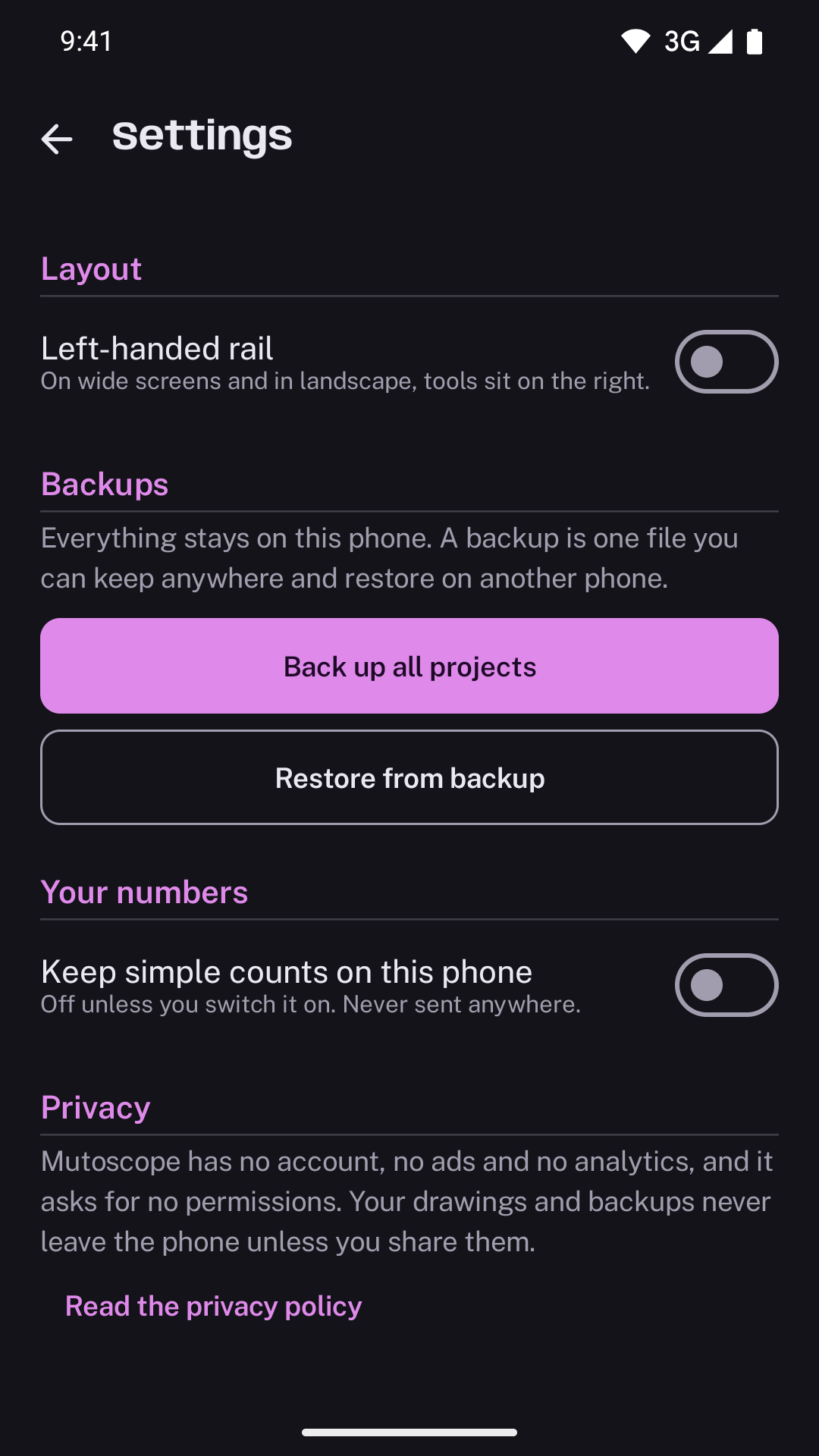
Mutoscope settings in dark mode: Back up all projects, Restore from backup, and a privacy note saying the app has no account, no ads and no analytics

USD 4.99, paid once.

INR 349 in India. One-time purchase. No ads, no subscription, no account. Works fully offline.